
 Revolut Standard₱12,480.00•••• 0814

 Visa Signature₱84,250.00•••• 2048
All your accounts
Track banks, wallets and cards in any currency.
 zero
zero
 Revolut Standard₱12,480.00•••• 0814Visa Signature₱84,250.00•••• 2048
Track banks, wallets and cards in any currency.
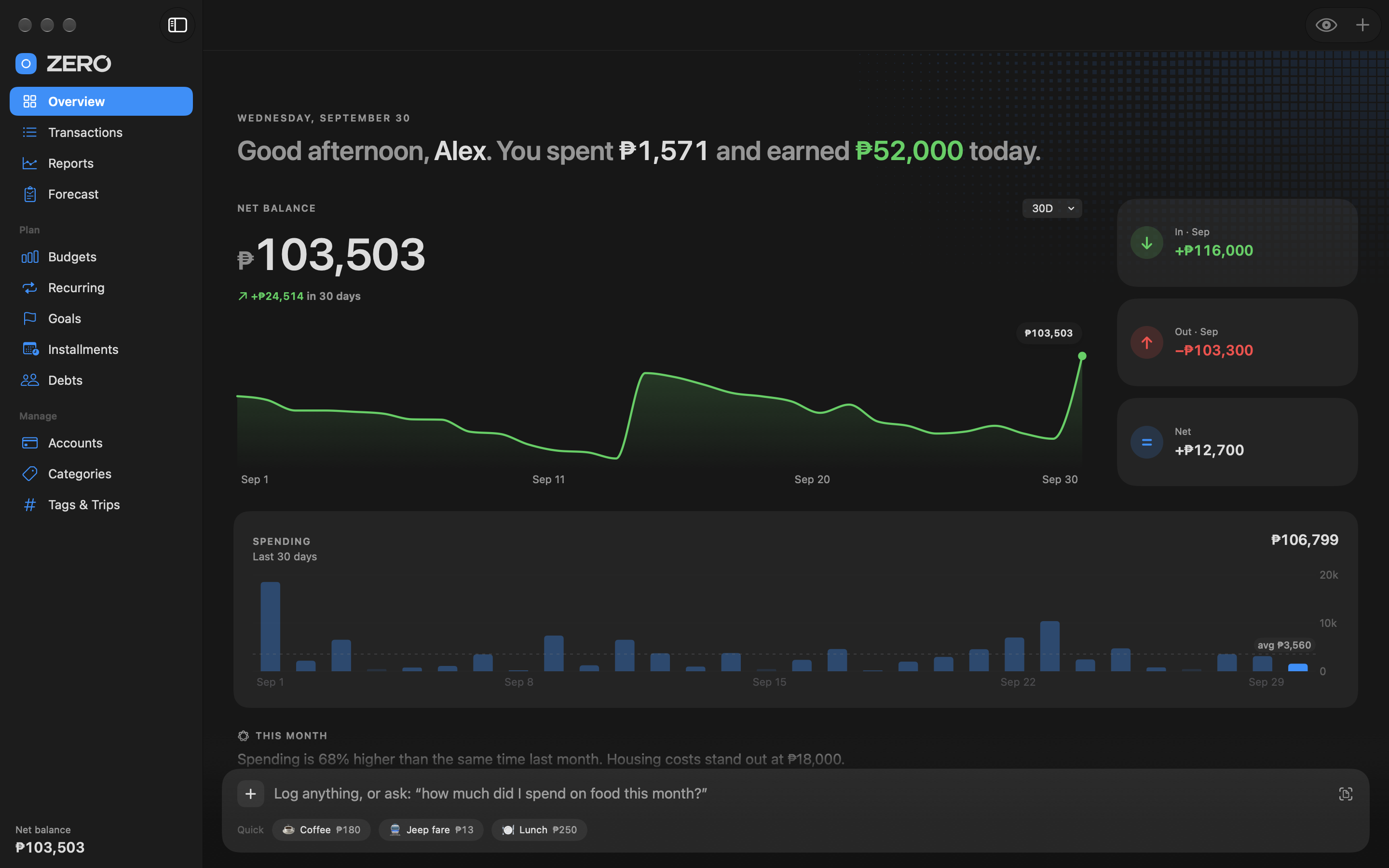
 NET BALANCE
Add widgets to your phone or desktop.
Get answers from your own records.
Plan bills, paydays and recurring entries.
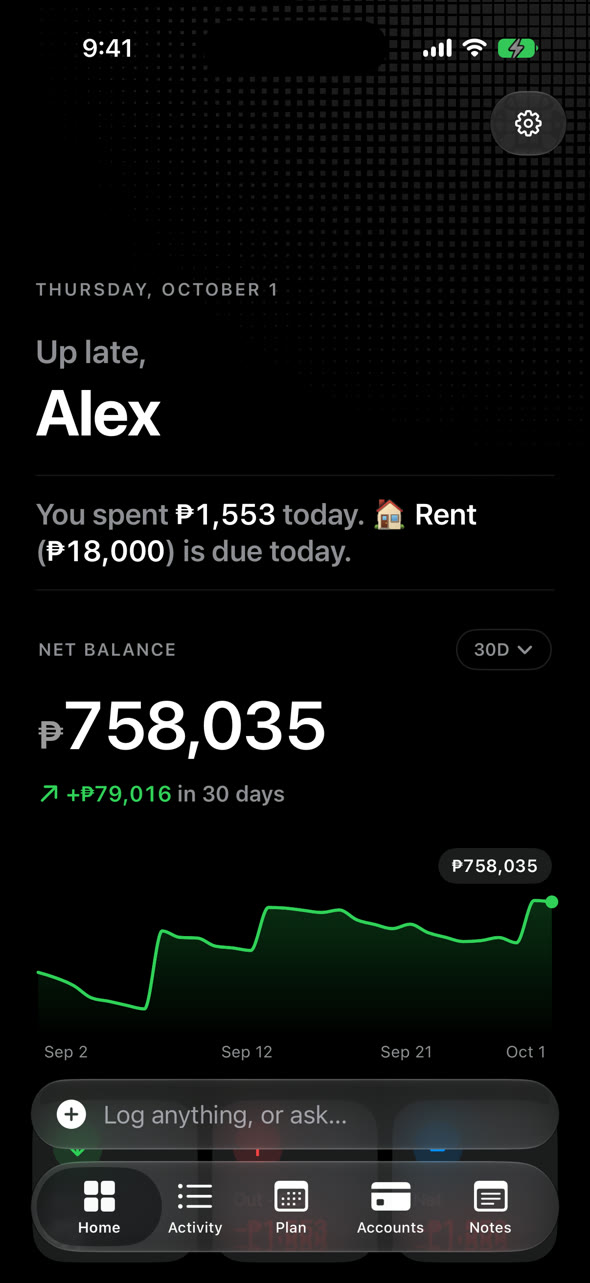
Balances, spending and plans in one place.
Balance and spending.
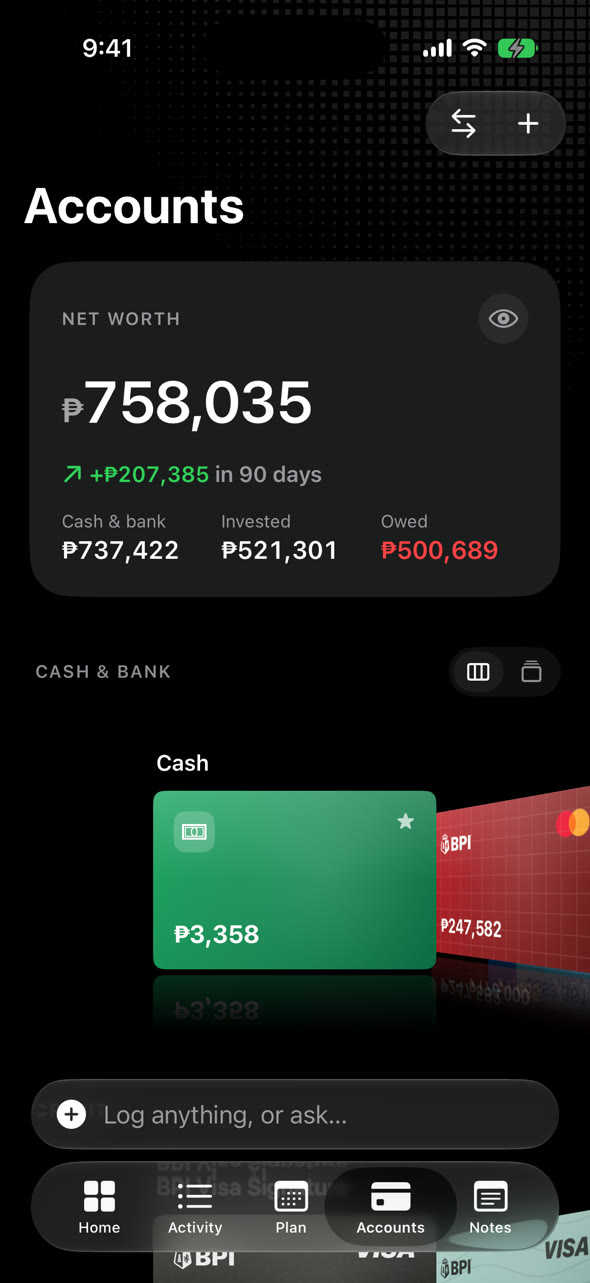
Banks and wallets.
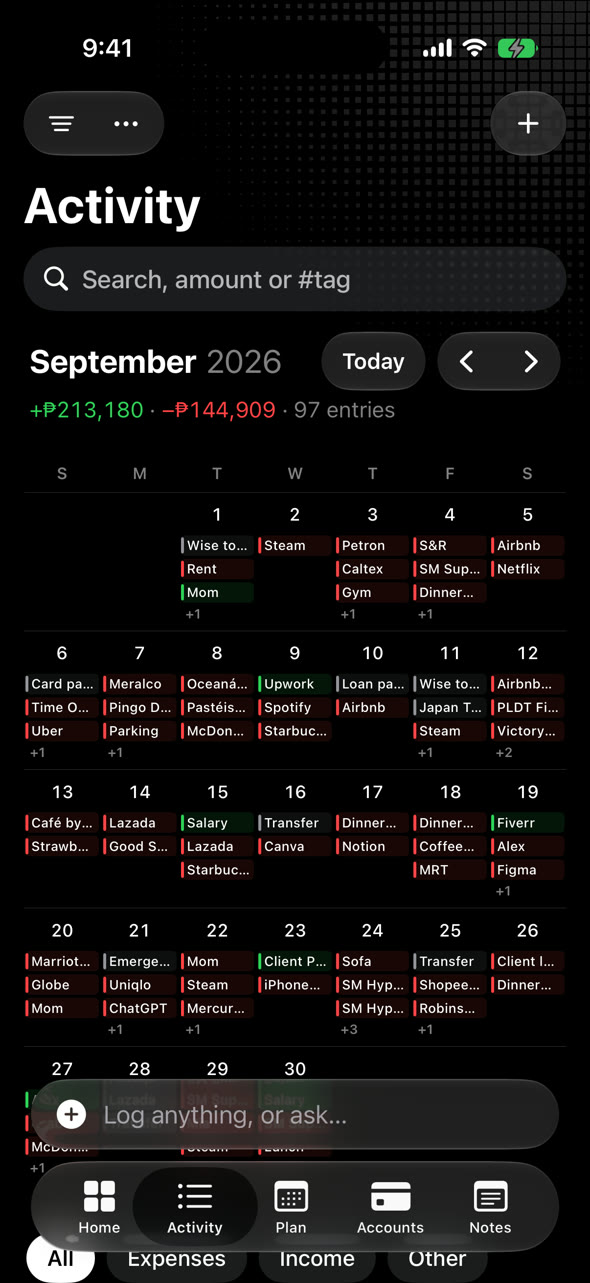
Your transactions.
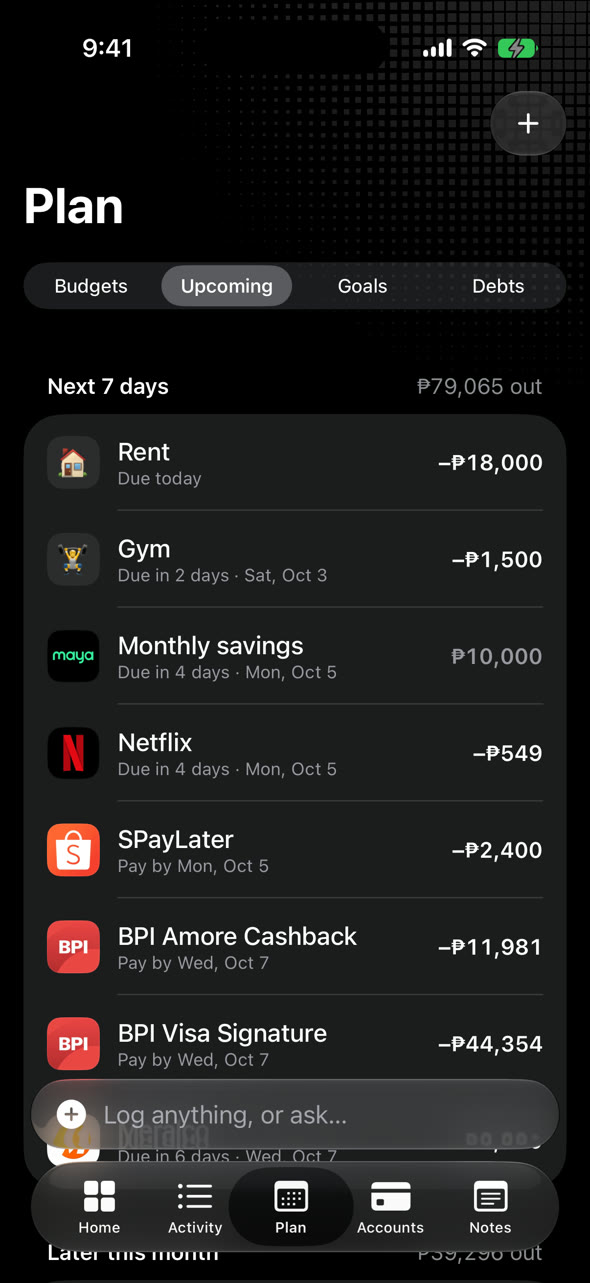
Bills and goals.
Keep your iPhone and Mac in sync with iCloud.
Your records stay on your devices and in your private iCloud. No ads or tracking. Lock Zero with Face ID or Touch ID.
Privacy policyOn your devices, with optional private iCloud sync. You can turn sync off in Settings. See the privacy policy.
Yes. Import a Money Manager backup, Tarsi JSON backup or CSV file in Settings.
Sign in to the same iCloud with sync enabled. You can also save a backup in Settings › Backups & Import on iPhone, or Settings › Data on Mac.
Tap “Log anything” and type an entry, like “grab 250 yesterday”. Add your bank, wallet or card in Accounts.
Press ⌘ N to log an entry. Press ⌘ Z to undo. Find more examples in Help › What can I type.
Use Settings › Erase Everything on iPhone, or Settings › Data › Reset on Mac. Zero saves a backup first.
Email me for help with Zero.
Track your money.
Get on with your day.